

Overview
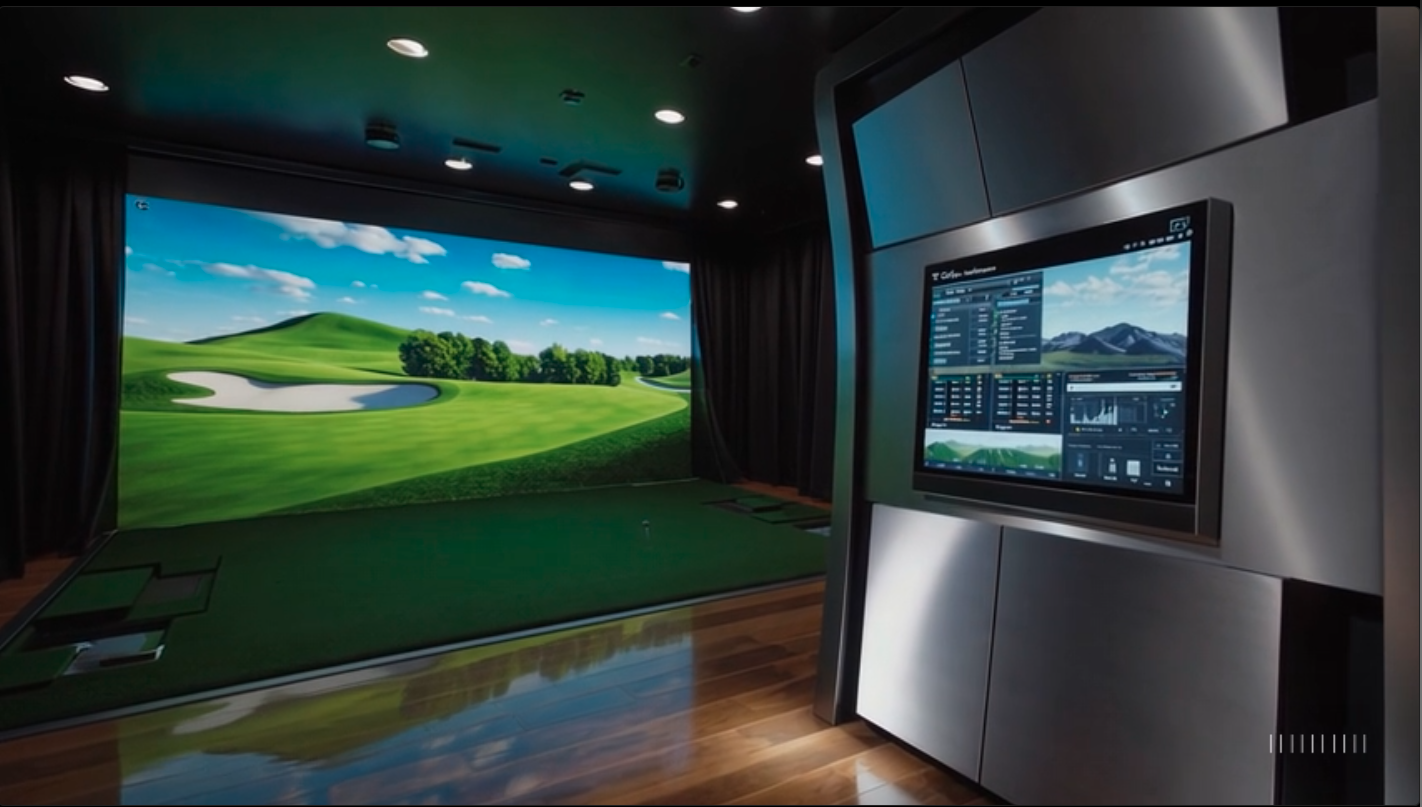
A complete golf simulator needs accurate tracking, a safe hitting area, clear visuals, and the right software. Hometee supplies and installs full systems across South Africa. See our core offer on the South Africa Golf Simulator page, then use this guide to plan your room, kit, and budget.
Quick checklist
- Space, ceiling height, safe swing clearance
- Launch monitor, calibrated and mounted
- Impact screen or net, enclosure, side protection
- Hitting mat and stance mat, level and stable
- Projector or large display, plus a capable PC
- Simulator software and course library
- Lighting, cable management, sound treatment
- Add-ons, storage, and training aids
Browse real installs in the Golf Simulator Gallery.
Room size and layout
- Target minimum, 3.0 m wide, 5.0 m long, 2.7 m high
- Right-hand and left-hand play, allow centered tee placement
- Keep walls and windows protected with an enclosure or padding
- For city specifics, view Cape Town, Johannesburg, and Durban options
If unsure, Hometee designs room-fit layouts under Solutions.
Tracking, launch monitors, and accuracy
Ball flight data is non-negotiable. Start with ProTee Launch Monitors for reliable indoor numbers. Add structured coaching with FlightScope Training if you want deeper swing work. Read more about sensing and cameras on Technology.
Screen, enclosure, and safety
- Impact screen, tight but not rigid, rated for ball speeds
- Black enclosure with side and ceiling panels to stop ricochets
- Net options for budget builds, add side curtains for safety
- Place the tee so ball strikes center-screen
See examples in the Gallery.
Hitting mats and stance
- Use a premium hitting mat that protects joints
- Match mat height to the putting surface for level lies
- Add a stance mat or platform for consistent posture
- Review upgrade ideas under Add-on Products
Visuals, projector, and PC
- Short-throw projector, sized to your screen, installed square
- Brightness to suit your room lighting, focus for sharp spin axis lines
- Gaming-grade PC for smooth ball flight and high-detail courses
- Cable routing along the enclosure frame for safety
Purchase options, Online Store or Shop.
Software and courses
Pick a simulator suite with accurate physics, skills challenges, and course access. Match features to your goals, practice, entertainment, or both. Hometee supplies and supports leading platforms within our South Africa Golf Simulator packages.
Lighting, acoustics, and comfort
- Front lighting on the screen kept soft, downlights behind the tee
- Wall absorbers or curtains to reduce echo
- Small storage for balls, tees, and alignment tools
- Ventilation and temperature control for longer sessions
Installation and support
Choose DIY with guidance or a full turnkey build. Hometee handles site survey, design, supply, and calibration. Start here, Solutions, then reach out on Contact. Learn who we are, Who is Hometee.
Budget tiers, simple map
- Entry, net or basic screen, single-camera tracker, core software
- Performance, full enclosure, premium screen, advanced launch monitor, projector and PC
- Premium, custom room build, sound treatment, multi-sport modes, full training add-ons
See accessories in Add-on Products.
Get started
Ready to spec your room. Review Technology, then book a design call on Contact.